PrintWorx3D
Build Your Own Clicker Kit
Design it your way — pick your shape, base colour, then choose a cap style and colour for each key. Mix textures, plain caps, and icon caps freely!
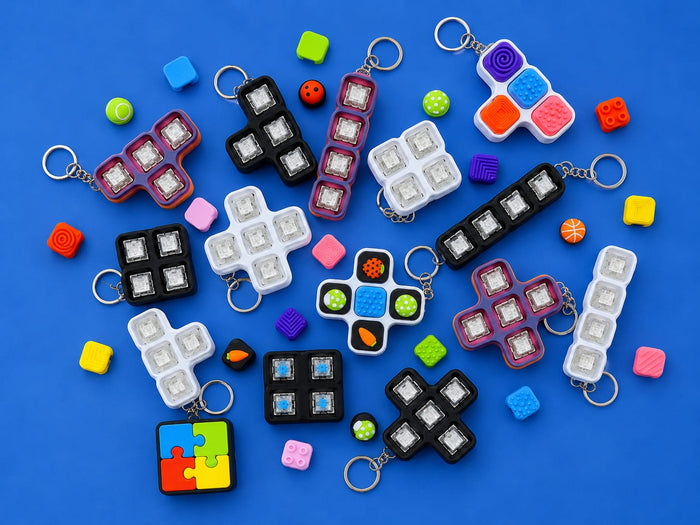
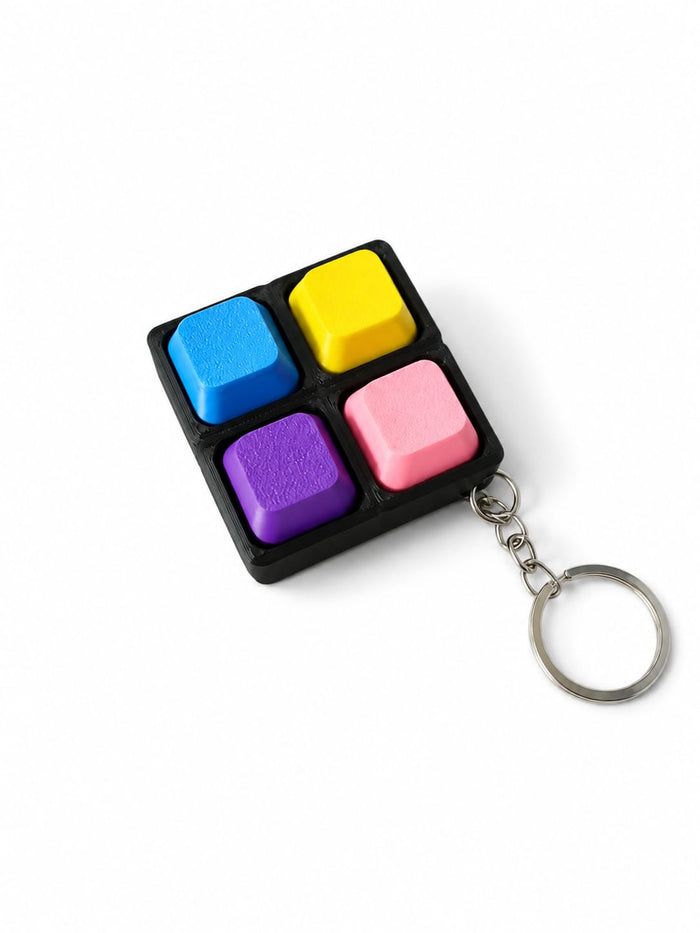
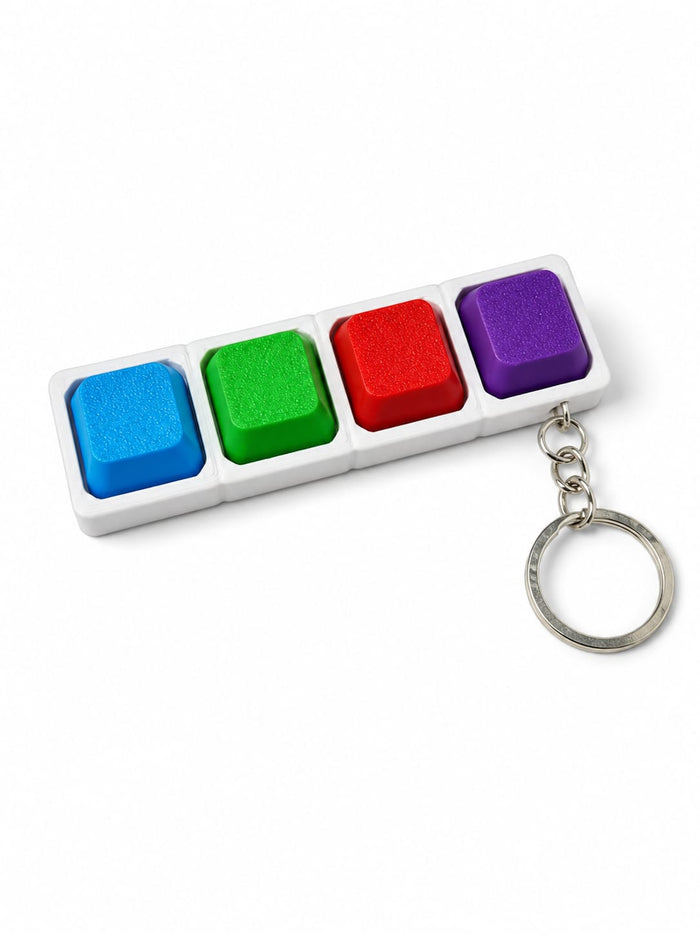
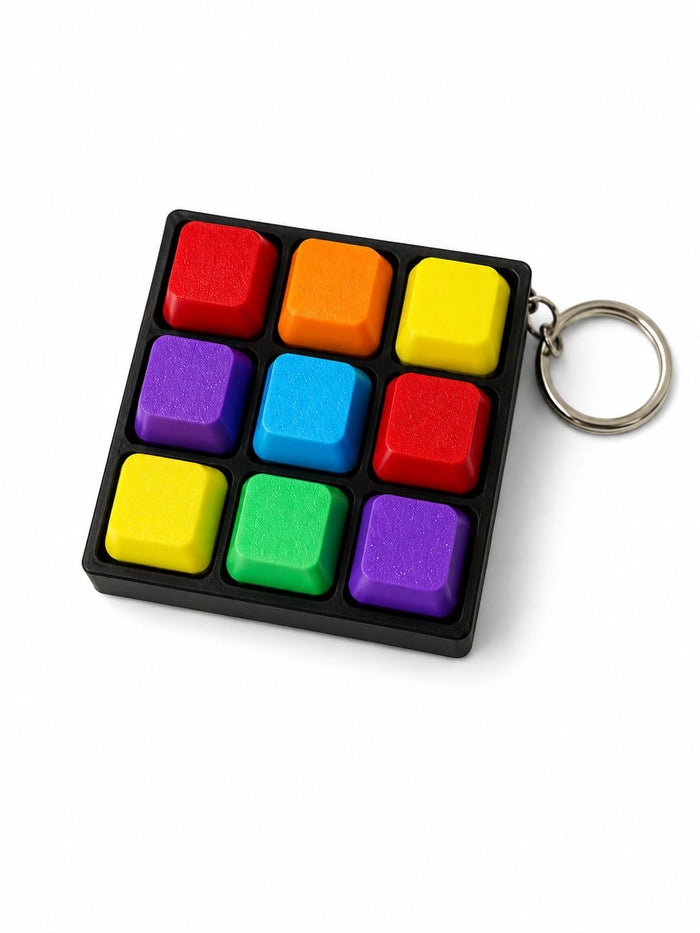

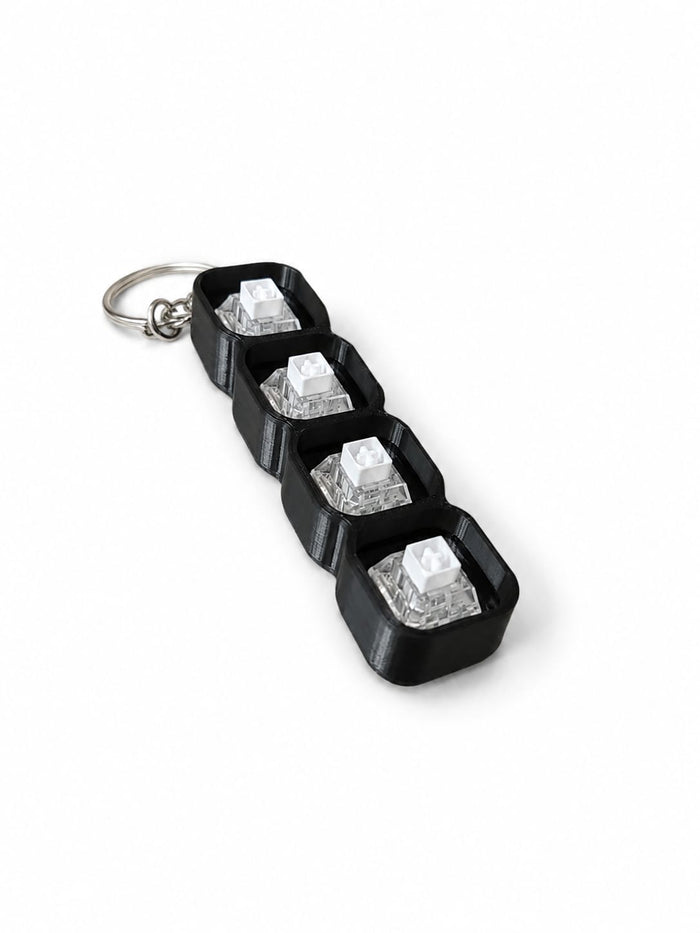
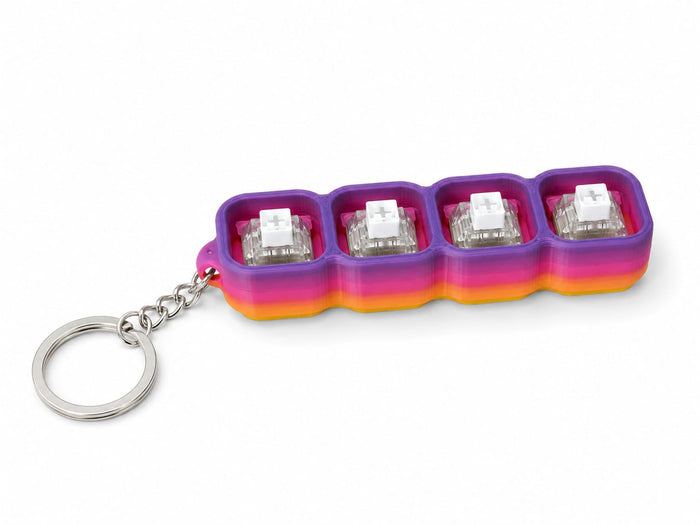
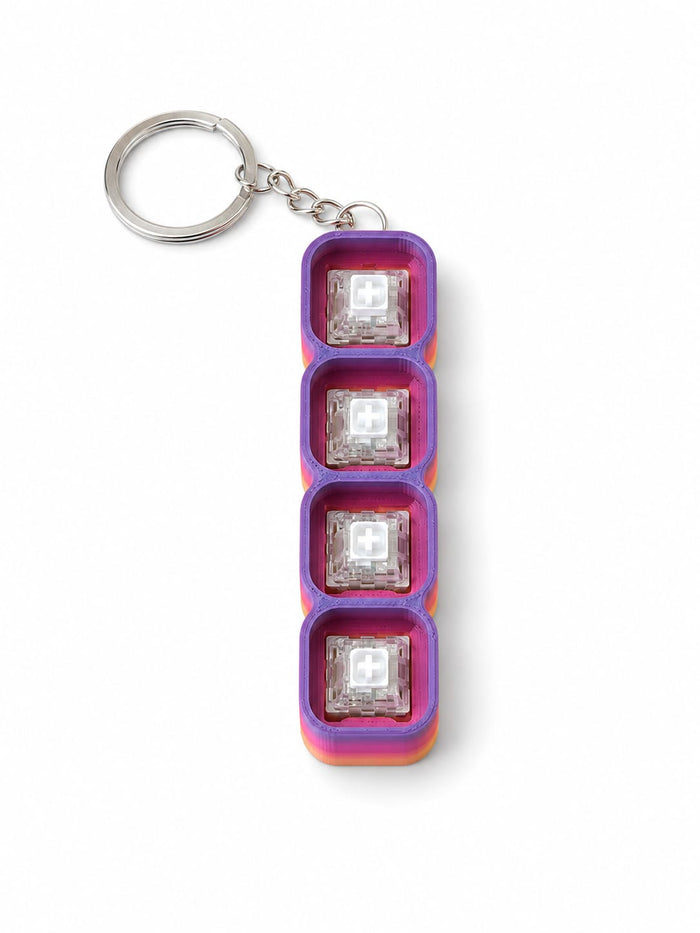
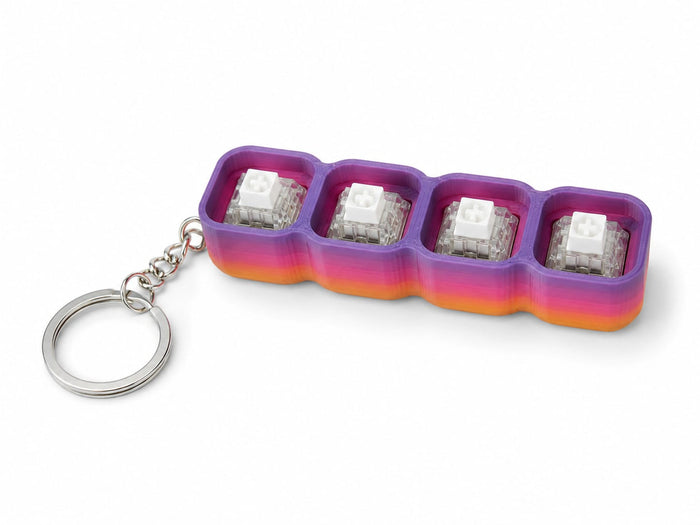


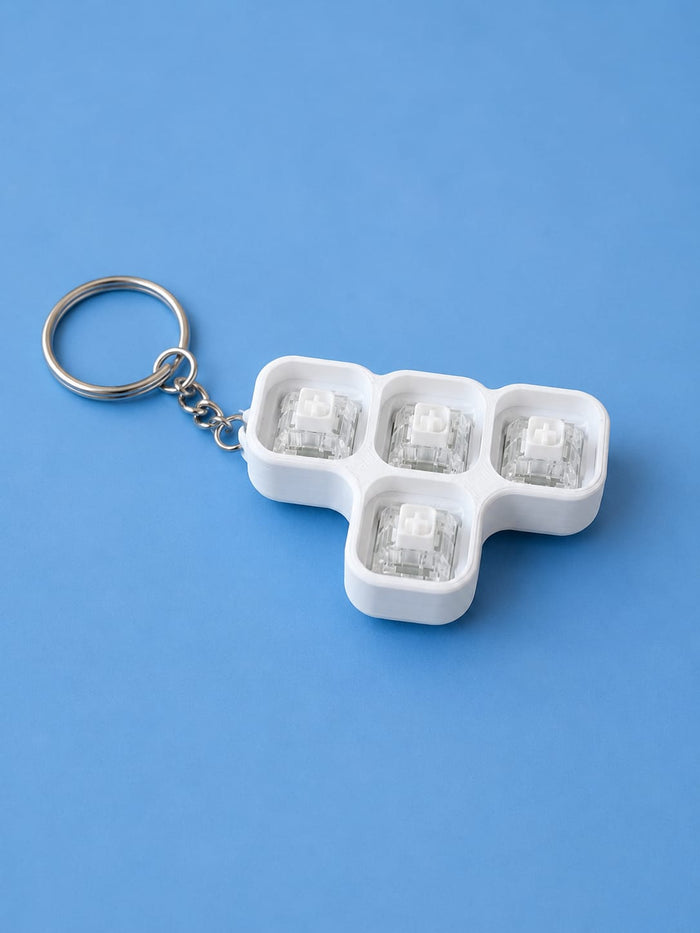
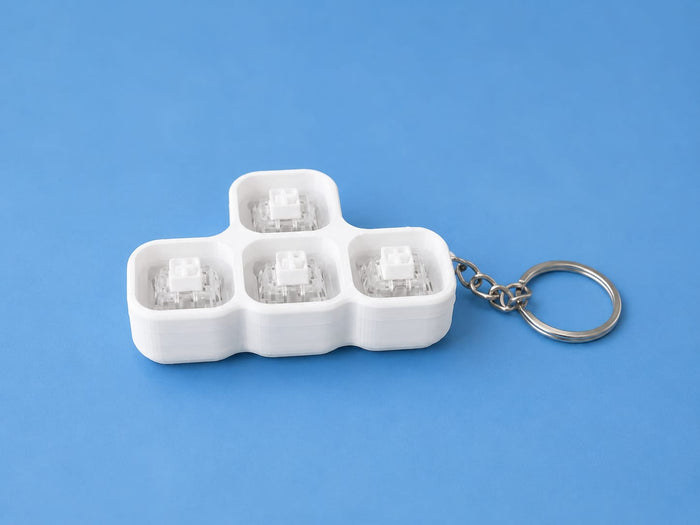

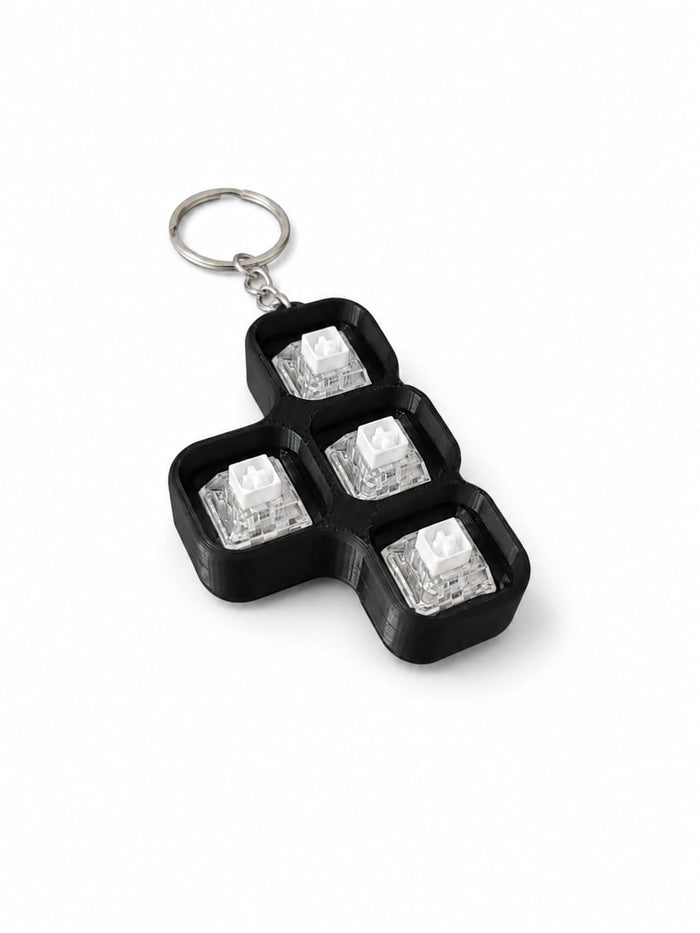


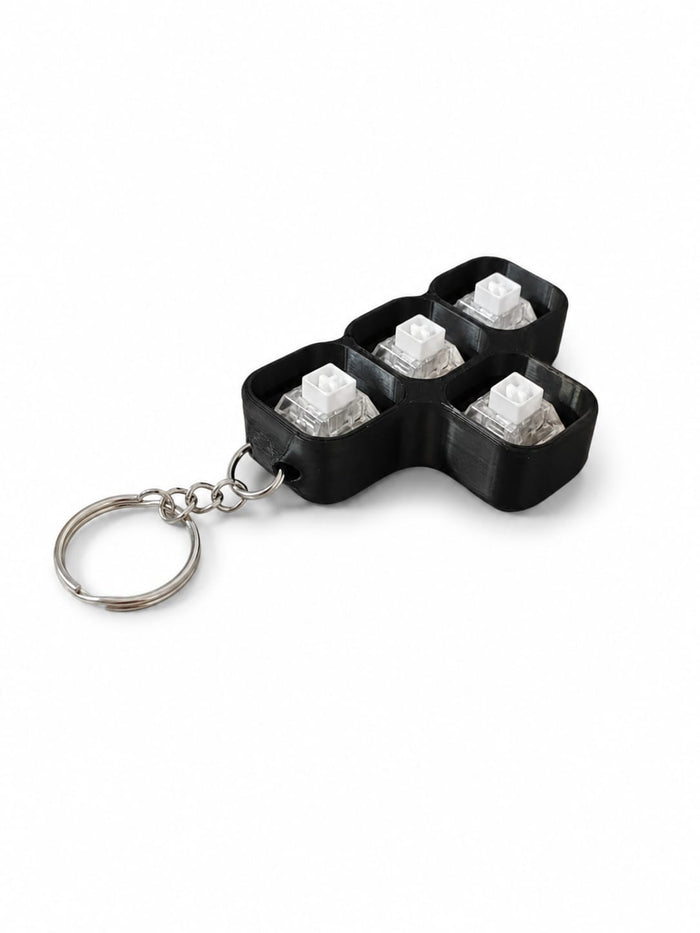

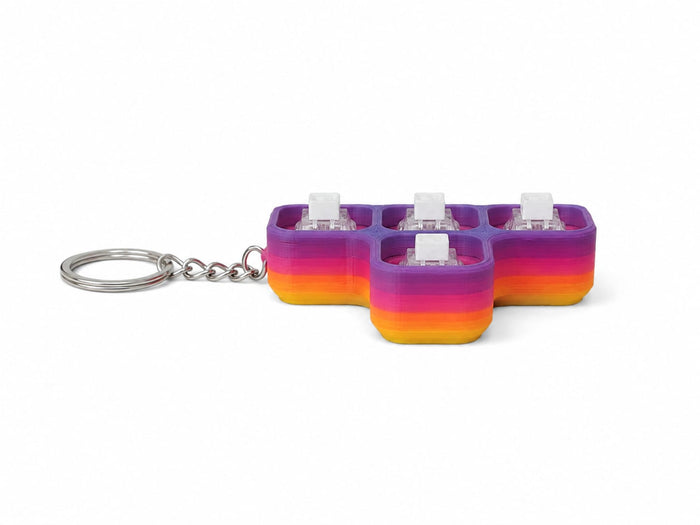
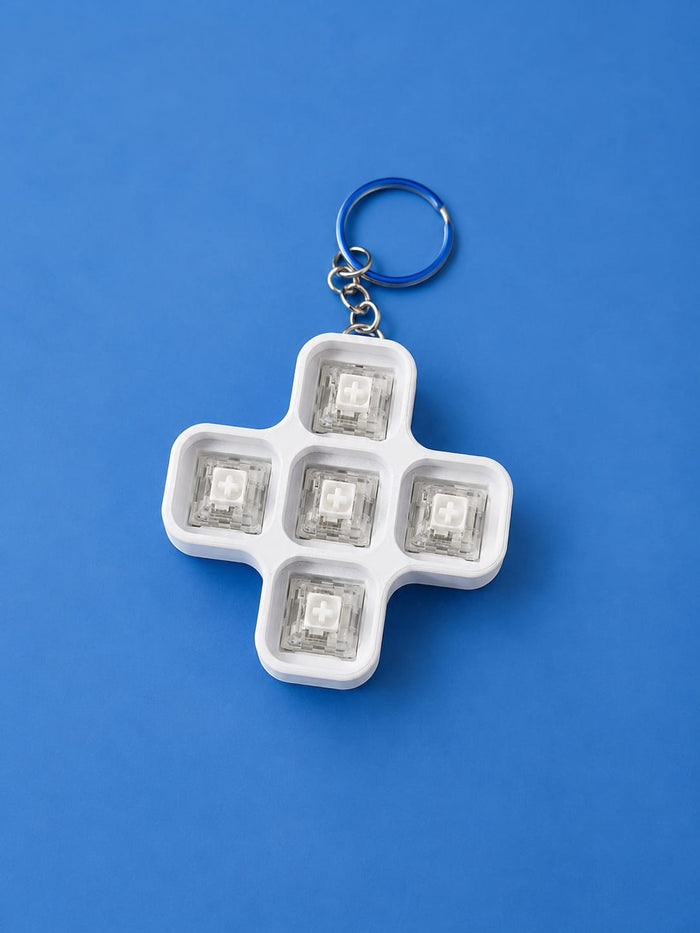
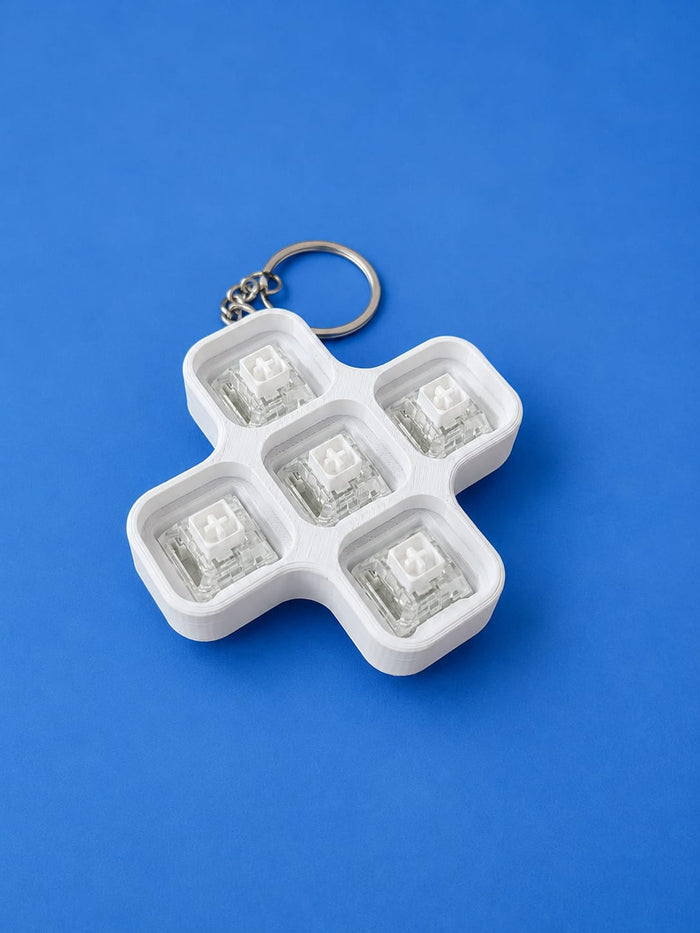

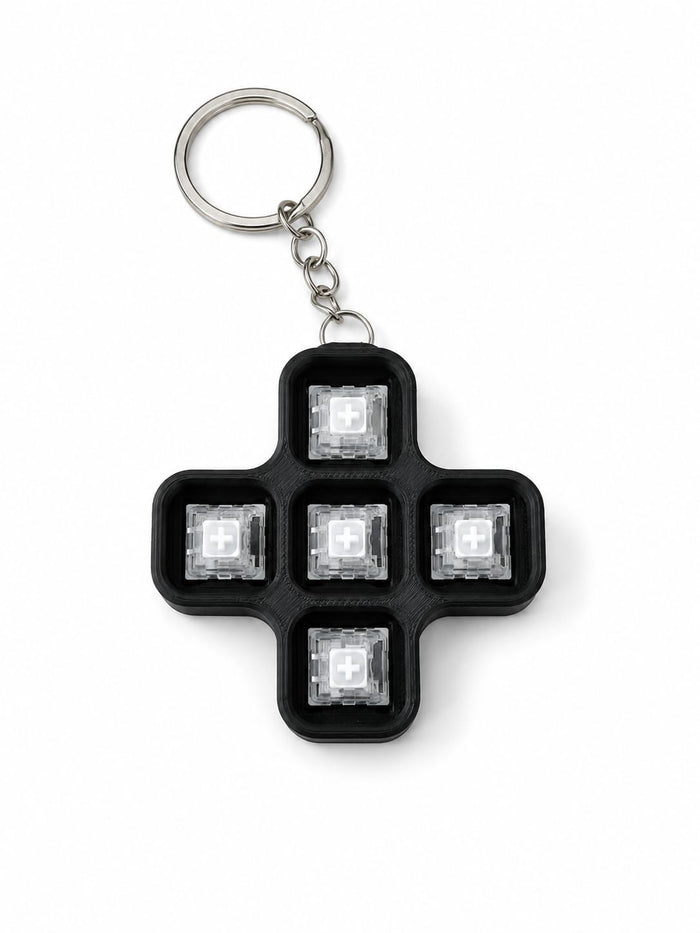


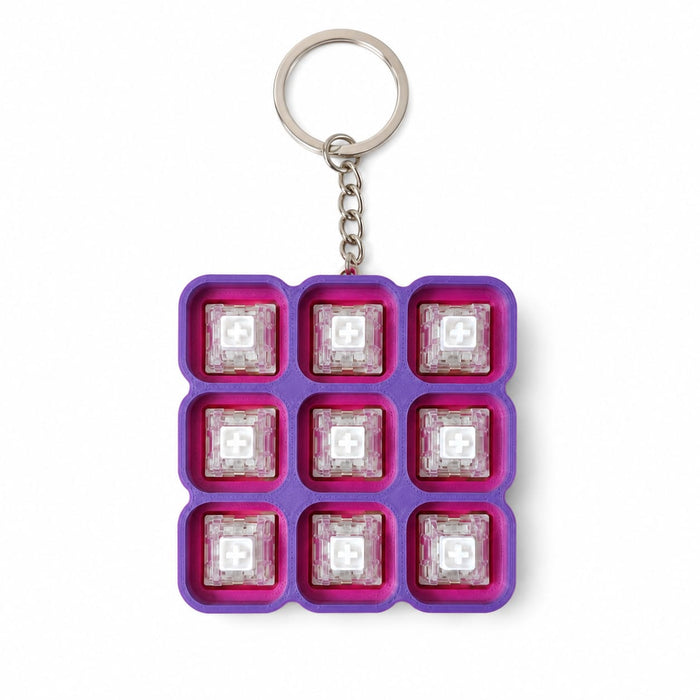
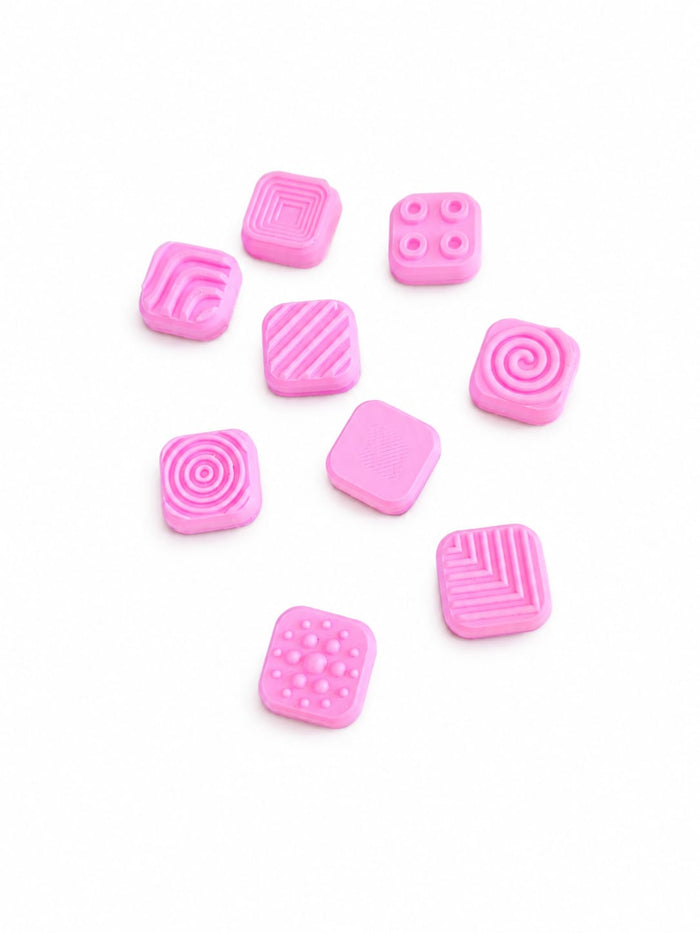

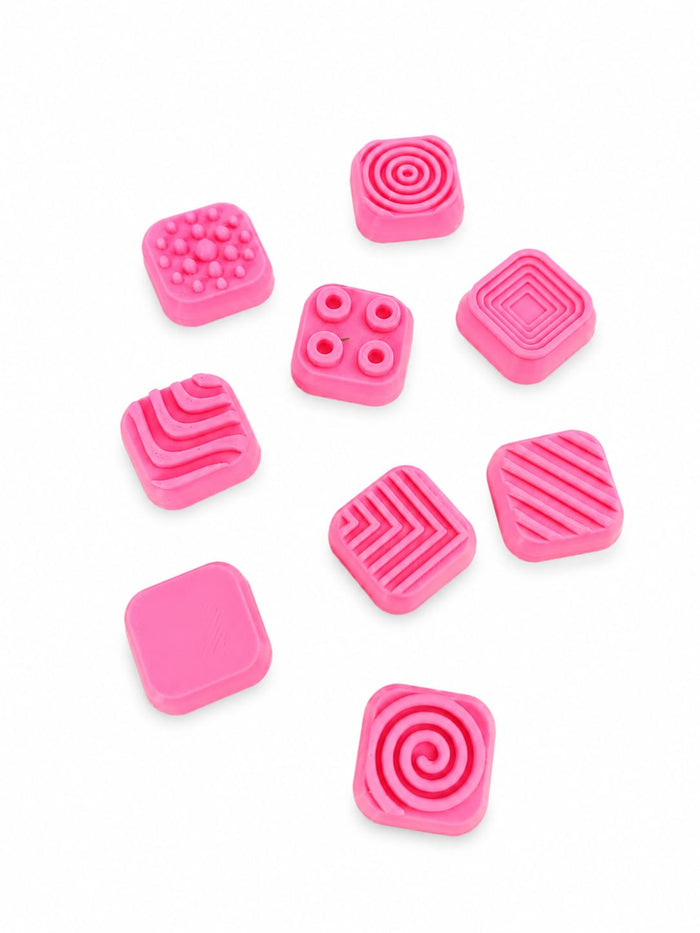

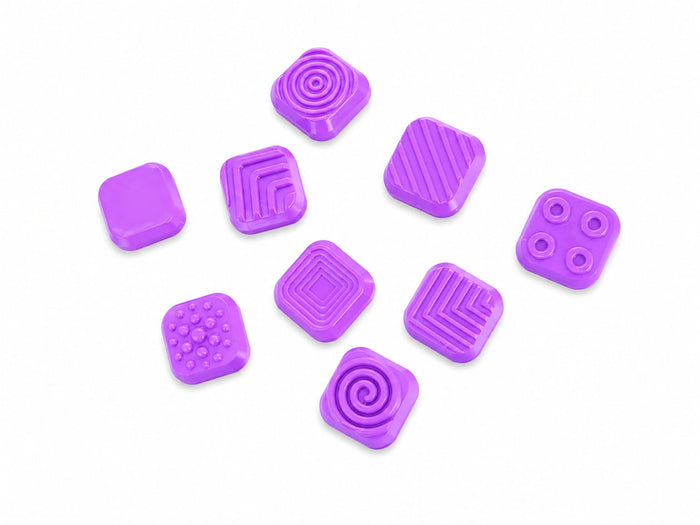
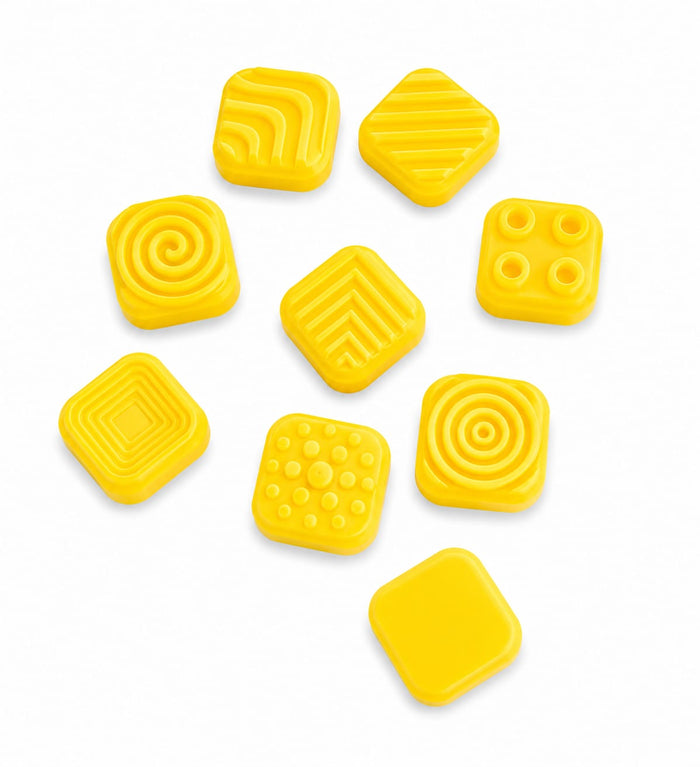
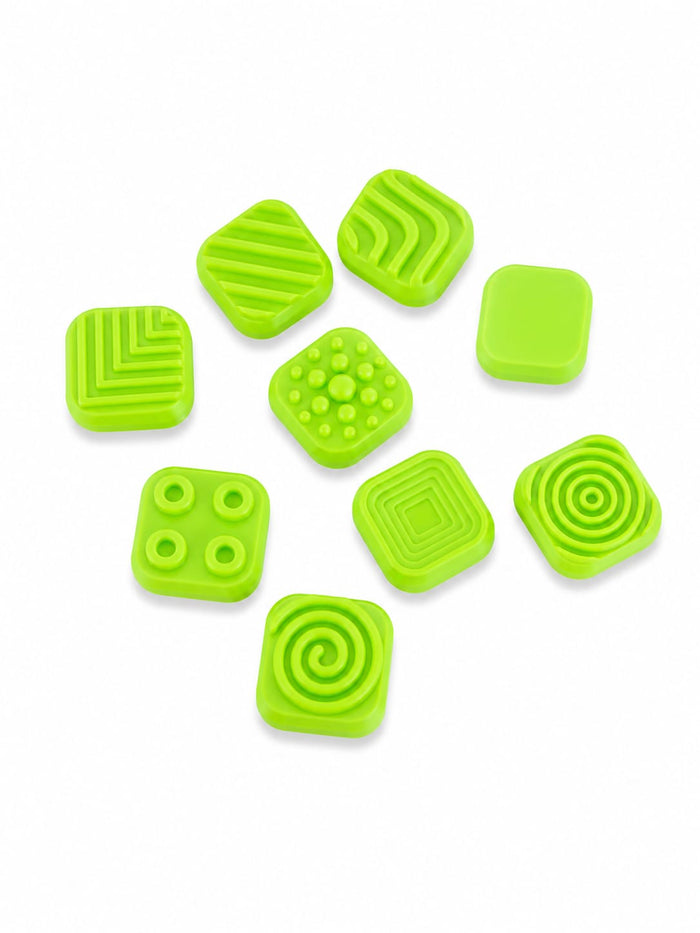
Select your shape first to see your key slots.
Then pick a colour:
Want spares? Add extra textured or icon caps — R5 each.
1. Pick a texture above, then 2. pick a colour to add it.
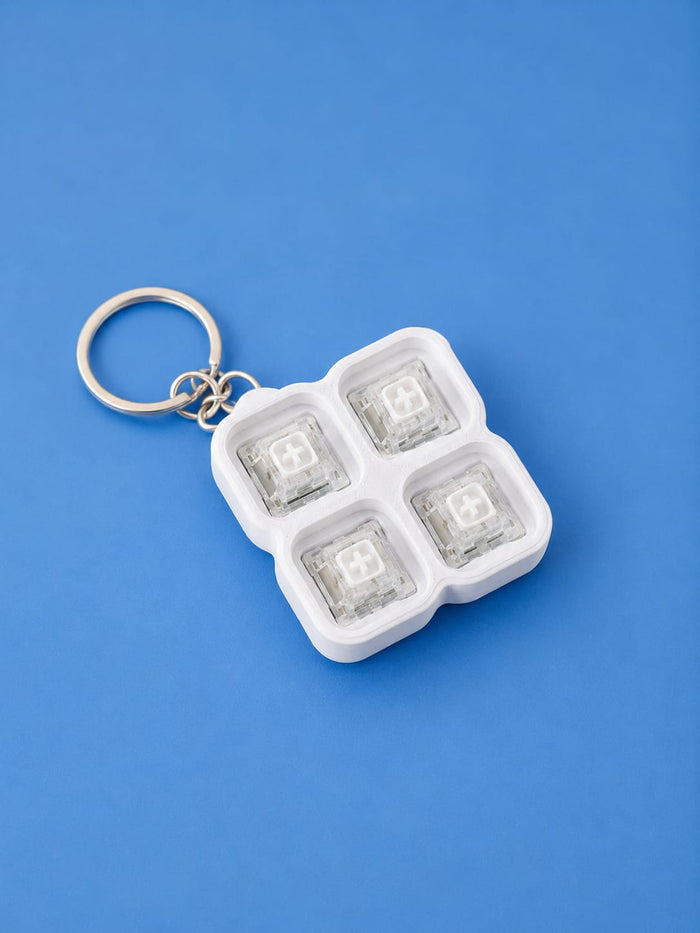
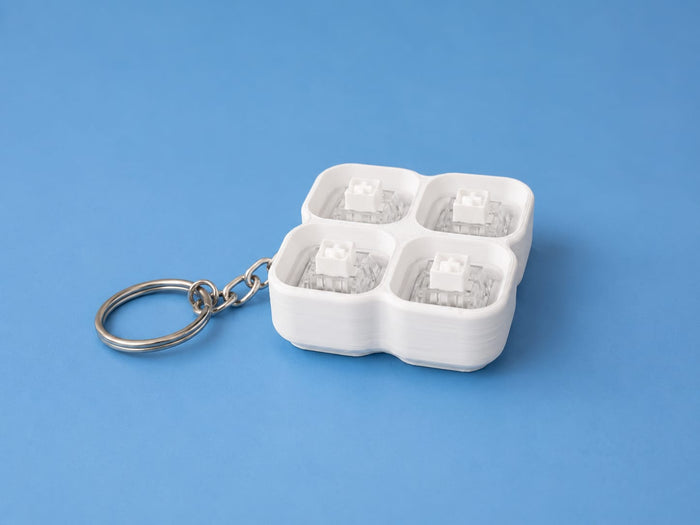
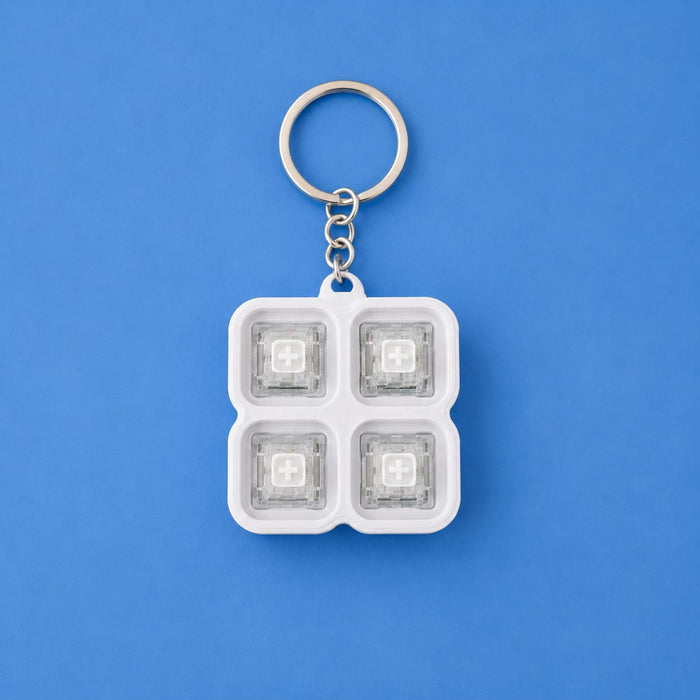
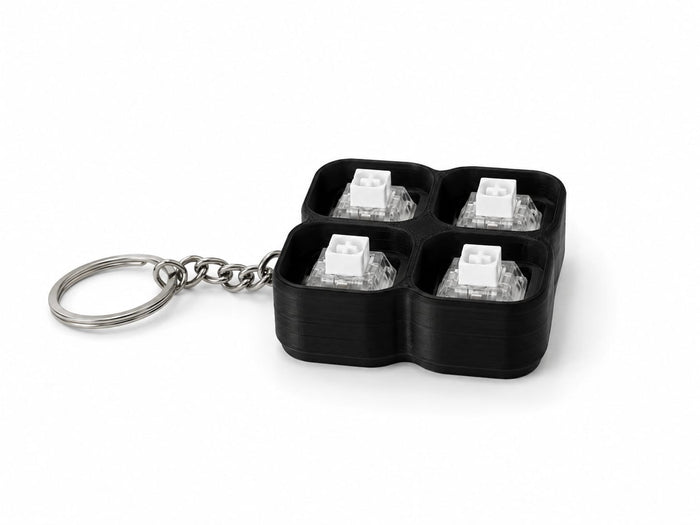
Design your perfect clicker from scratch — the Build Your Own Clicker Kit by PrintWorx3D lets you choose your shape, base colour and keycap colour. Every kit is made to order right here in South Africa.
🛠️ What's In The Kit
- 3D printed housing in your chosen shape and base colour
- Real mechanical clicky switches (pre-fitted)
- Keycaps in your chosen cap colour
- Keychain ring included
Everything arrives ready to snap together — no tools, no glue, no fuss.
📐 Step 1 — Choose Your Shape
- 4-Key Square Block — Compact 2×2 grid. Fits perfectly in your palm or pocket.
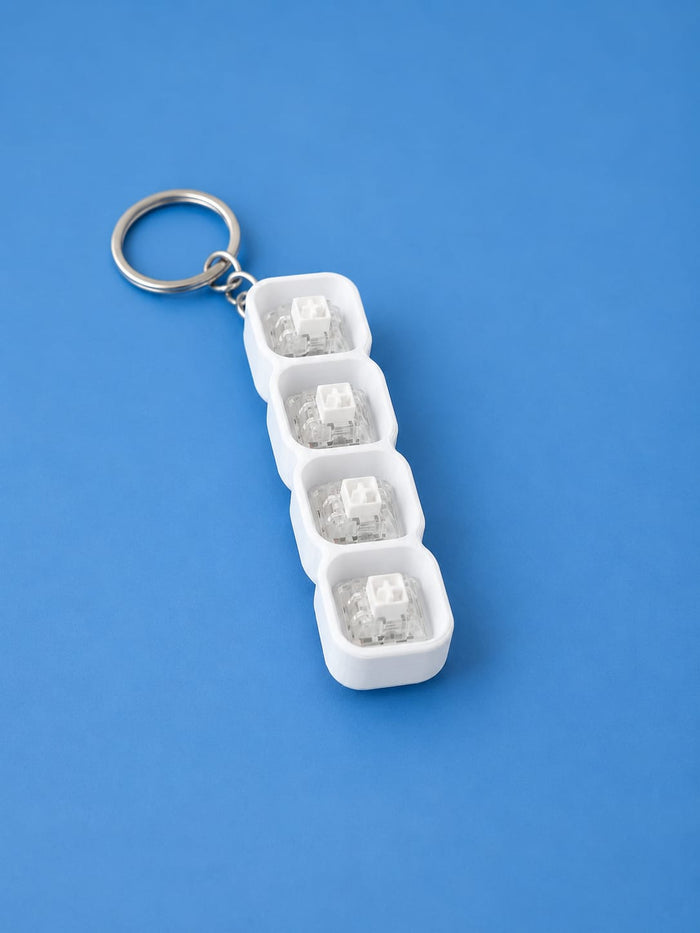
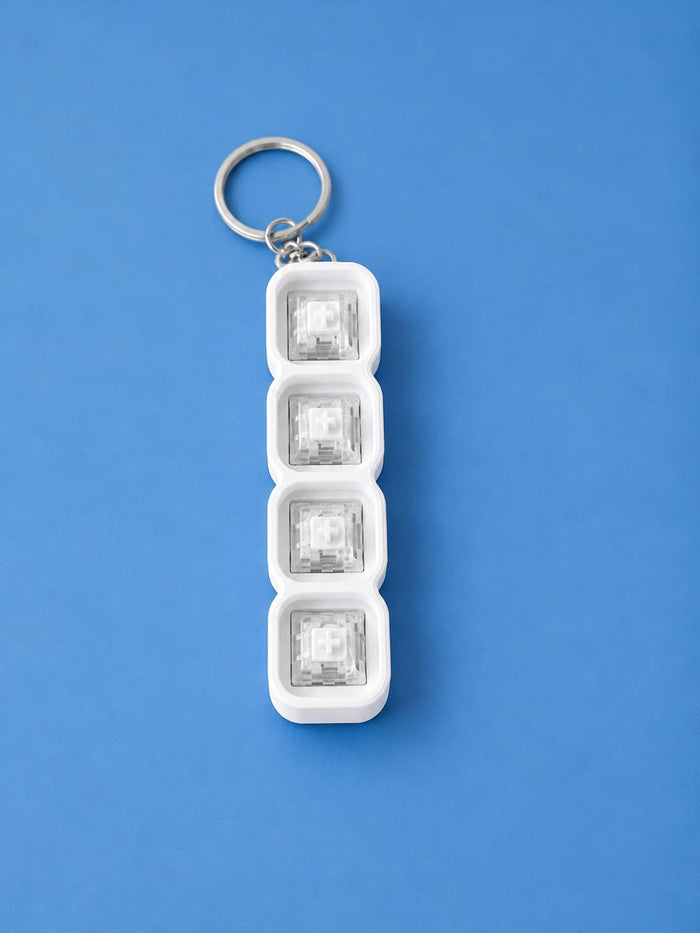
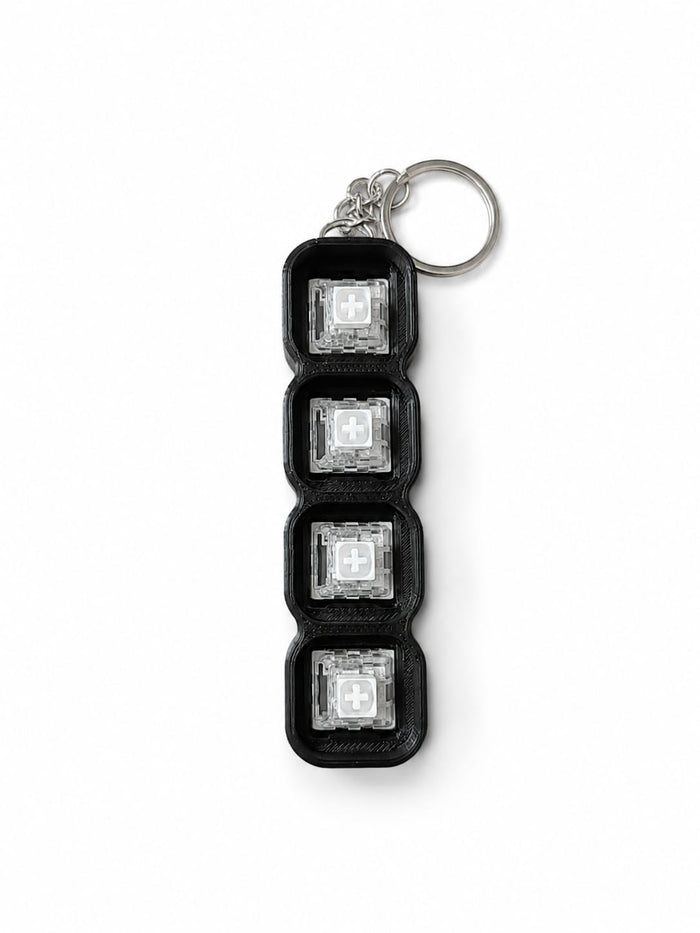
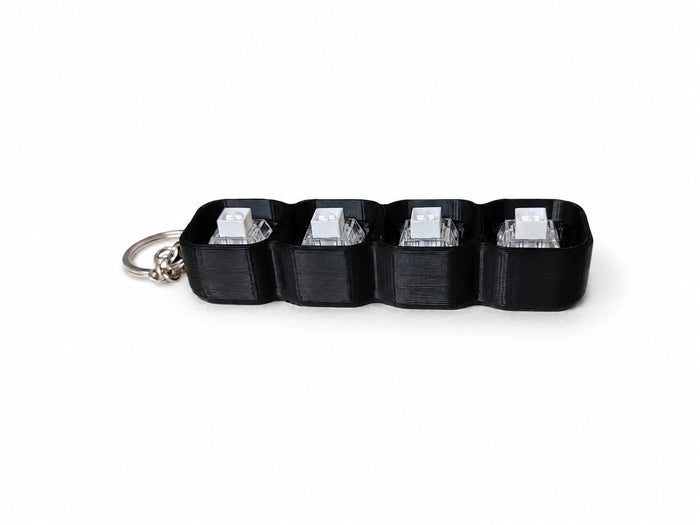
- 4-Key Straight — Linear row of four keys. Great for one-handed fidgeting.
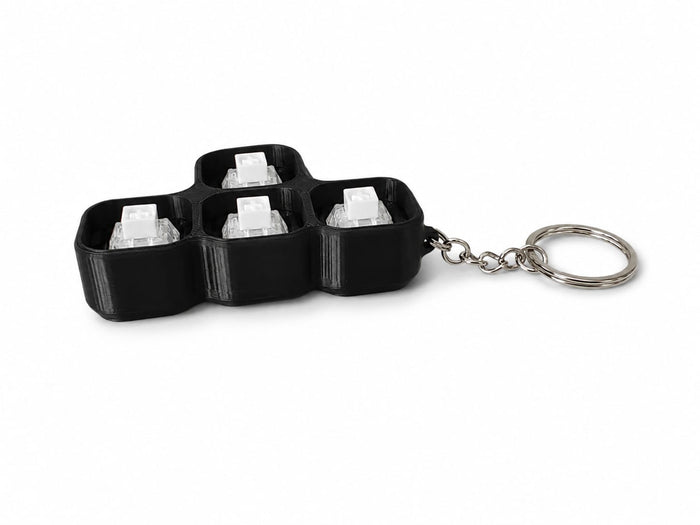
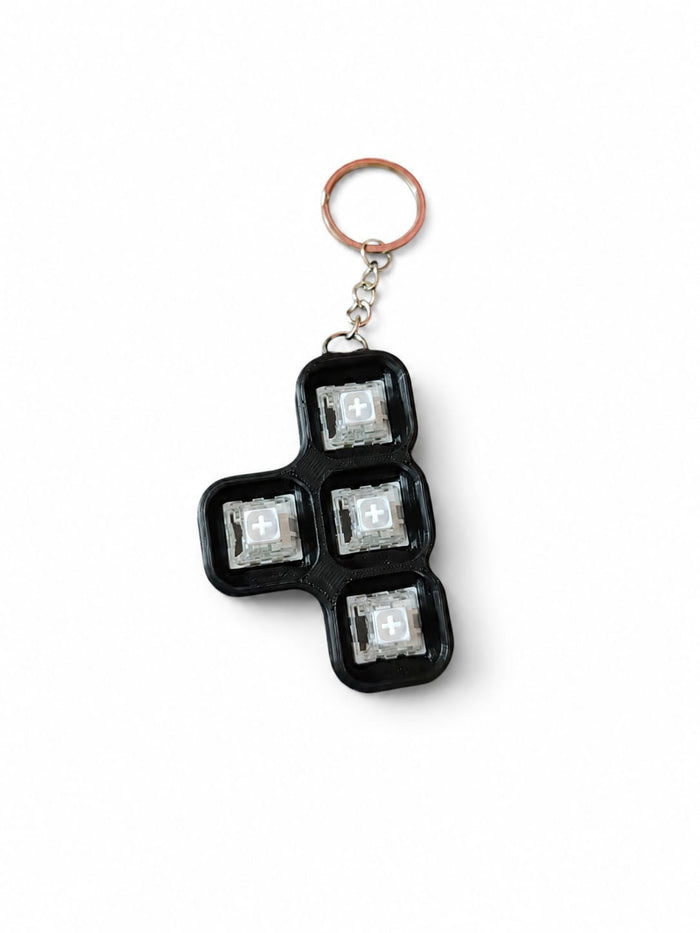
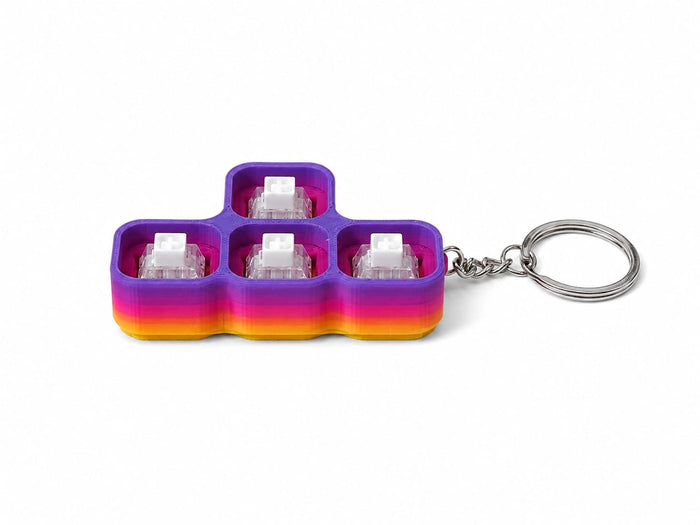
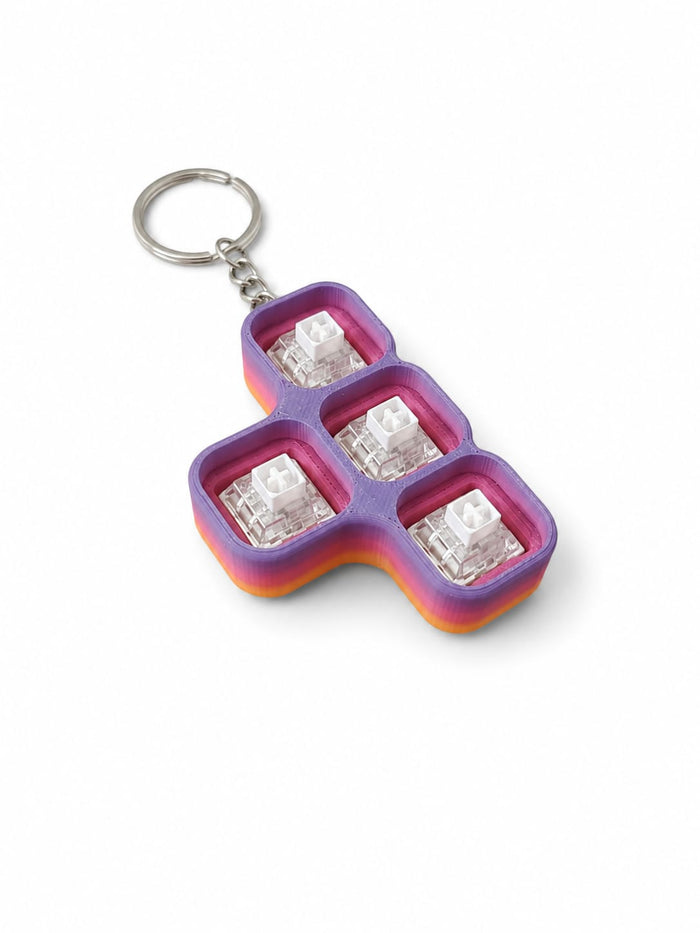
- Tetris 4-Key — L-shaped Tetris layout. Unique feel, satisfying to hold.
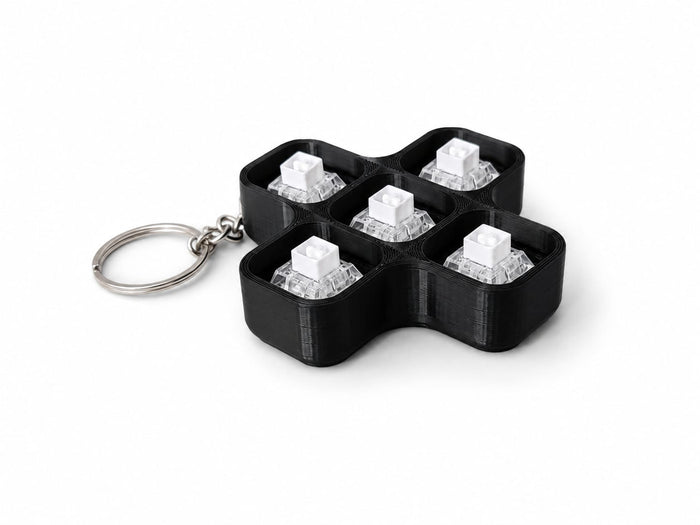
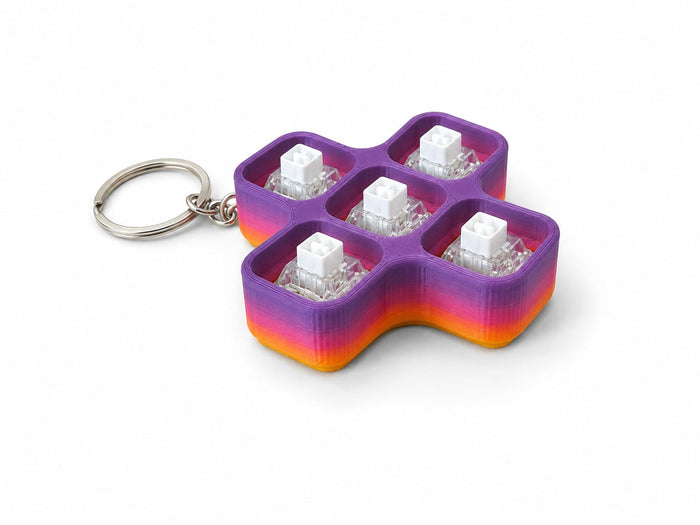
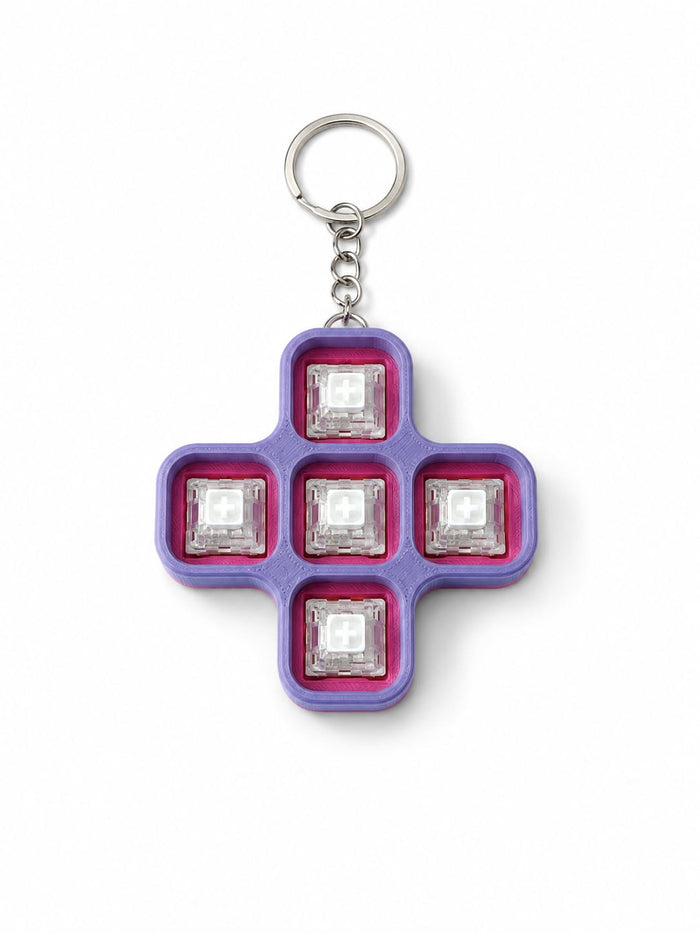
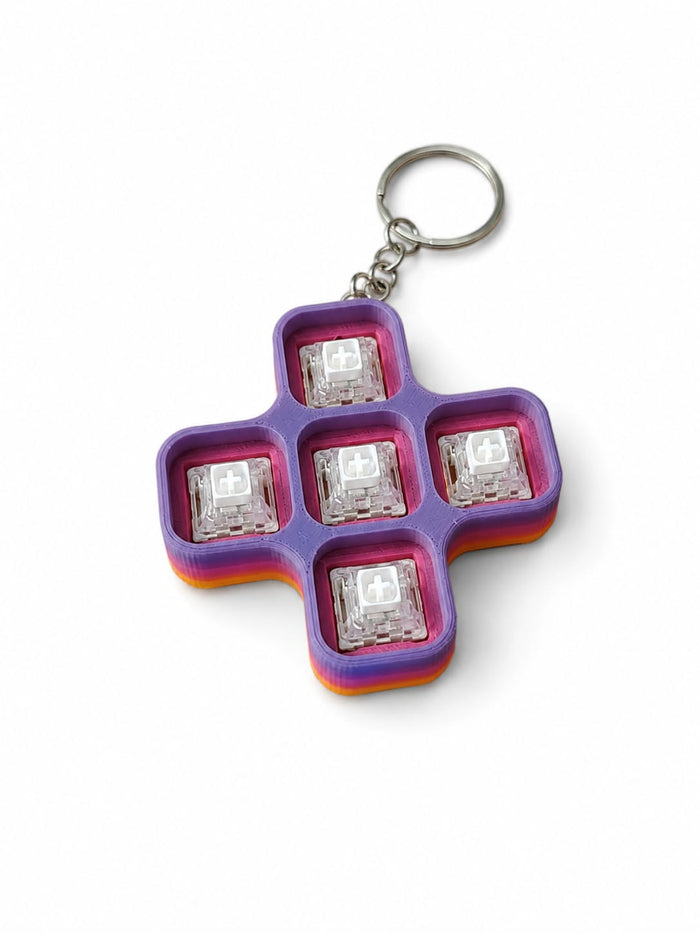
- 5-Key Plus — Plus-shaped layout of five keys.
- 9-Key Grid — 3×3 grid of nine keys.
🎨 Step 2 — Choose Your Base Colour
- White — Clean and minimal
- Black — Bold and sleek
- Rainbow — Multi-colour pattern, vibrant and one-of-a-kind
🔑 Step 3 — Choose Your Cap Colour
Red · Yellow · Blue · Light Blue · Green · Purple · Light Purple · Orange · Pink · Light Pink · Black
Mix and match your base and cap colours to create a truly unique clicker — the combinations are yours to design.
🔧 Features
- Real mechanical clicky switches — satisfying tactile feedback every press
- 5 shapes, 3 base colours, 11 cap colours — design it your way
- Keychain ring included — clip to keys, bag or lanyard
- Durable 3D printed PLA construction
- More colours and shapes coming soon!
✅ Proudly made in South Africa — 3D printed to order by PrintWorx3D.
🚚 Ships within 1–3 business days nationwide.
Please note: As each item is individually 3D printed, slight colour variations may occur. The Rainbow colour pattern will vary per print — making every piece truly one of a kind.